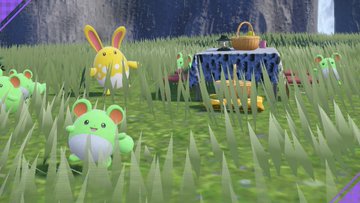
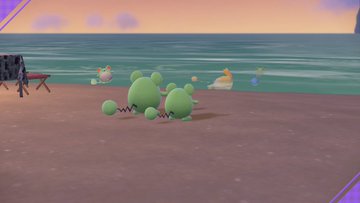
post some of your scarlet and violet screenshots here!


I think a very underrated feature in sv is the camera, you can take a lot of cool pictures with it, so post some of them here
if you don't know how to get switch screenshots onto your device, go to the album on your switch, select whichever picture you want, press a to open the options menu, select "send to smartphone" and then from there either send a batch or just one screenshot, then you scan some qr codes with your phone and then you're able to save the images, then if you're on pc, email the screenshots to yourself or something, then on your pc, copy the image address, and then on here, click the box with the 2 arrows in it, then paste the image address in that box, and then the screenshot is here
let me show you some of mine first
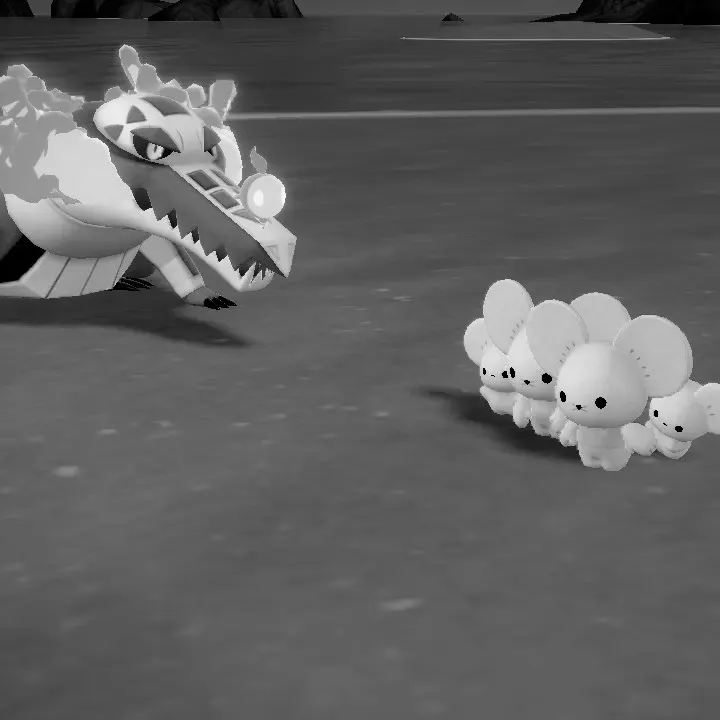
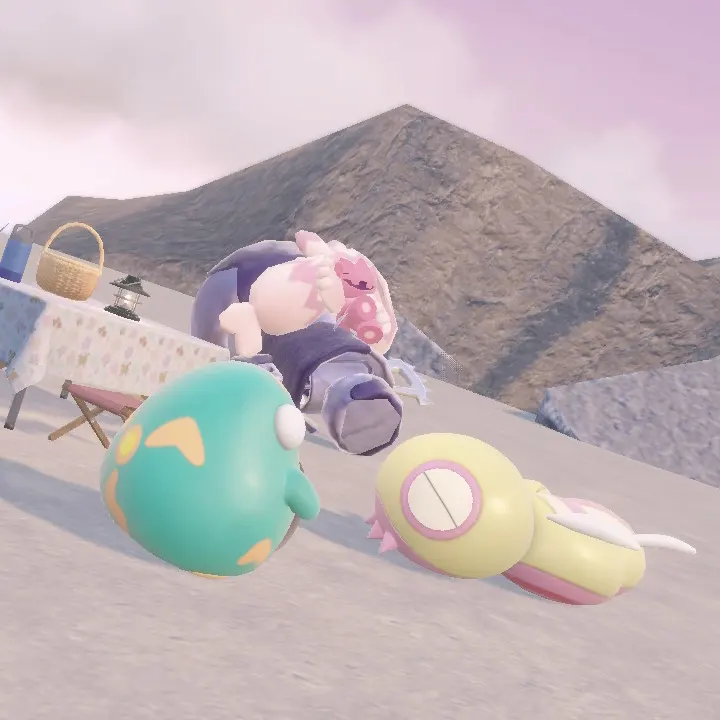
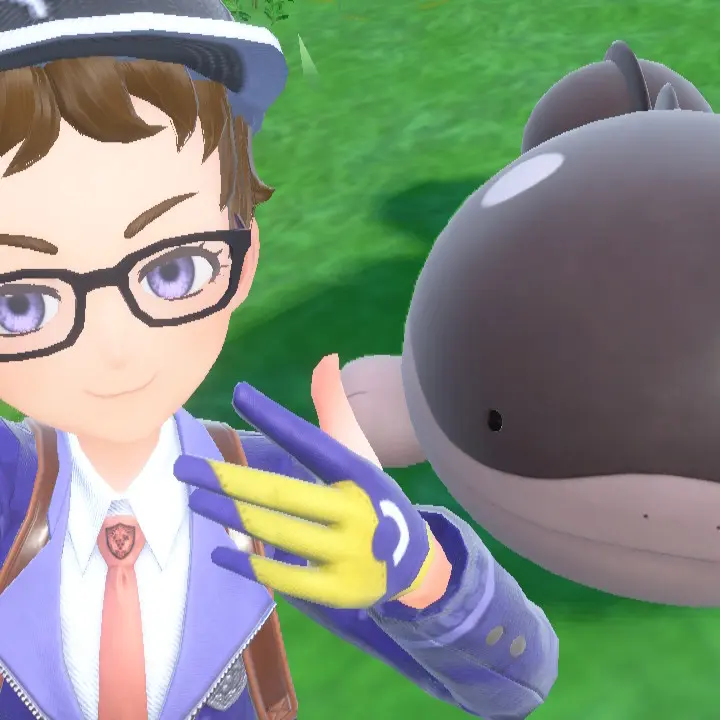
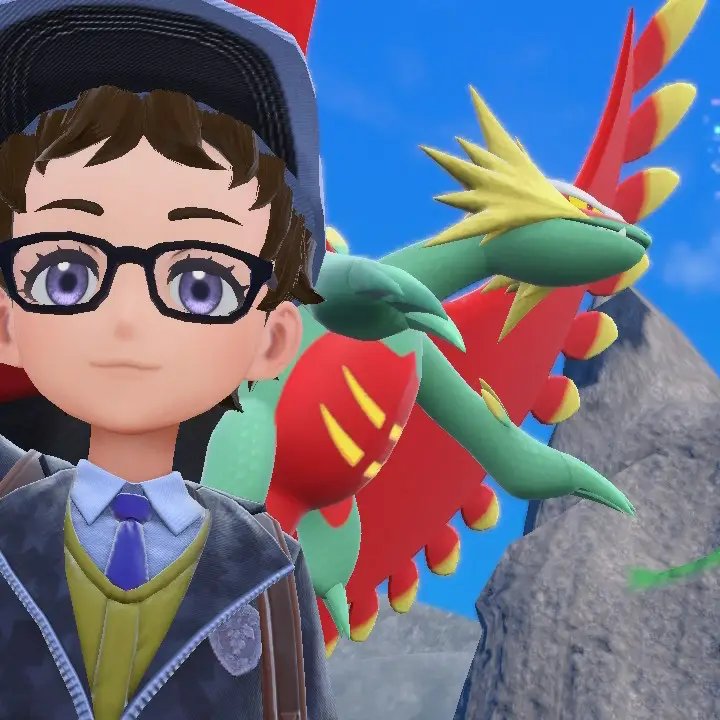
now show me all of yours!!
Comments
-
-
-
There's an icon that looks like [< >] near the corner of the box you type in. I think you're supposed to try posting it with that but I'm not sure, I haven't posted any photos I took since they removed the photos option.
0